Download VR porn offline only when you want better image quality, travel playback, smoother seeking, or a private local library. Use sites that provide a legal download button, choose the right file for your headset, then play it in DeoVR, HereSphere, Skybox, or another VR video player.
The simple workflow is: stream first, download only keepers, store them in a clean folder, and test one file before filling your headset. Most users should pick a 180-degree side-by-side MP4 or MKV file in 6K to 8K, then copy it to a Quest, PC VR library, or supported local player.
If you are still deciding whether downloads are worth the storage, read our streaming vs download comparison before building a library. It explains when streaming is easier and when offline files are worth the extra setup.
VRPorn.com is the easiest place to stream first, then download high-quality keepers from the same account.
Quick Answer: How to Download VR Porn Offline
Keep the offline workflow legal and simple: pick a site with download support, save one test scene, confirm the file plays in your preferred VR player, then build a small local library. Do not use scraper tools or bypass paywalls. Download only scenes you are allowed to save, and keep setup notes.
| Step | What to do | Why it matters |
|---|---|---|
| 1 | Stream the scene first | Avoid wasting storage on bad framing |
| 2 | Choose a legal download option | Keeps the workflow clean and safe |
| 3 | Pick MP4 or MKV | Best compatibility across VR players |
| 4 | Choose 180-degree SBS when available | Most modern VR porn uses this format |
| 5 | Save to PC or headset storage | PC is easier for large downloads |
| 6 | Open in DeoVR, HereSphere, or Skybox | Dedicated players handle VR format settings |
| 7 | Check projection and stereo mode | Fixes flat, cross-eyed, or wrapped video |
| 8 | Delete failed files | Keeps storage under control |

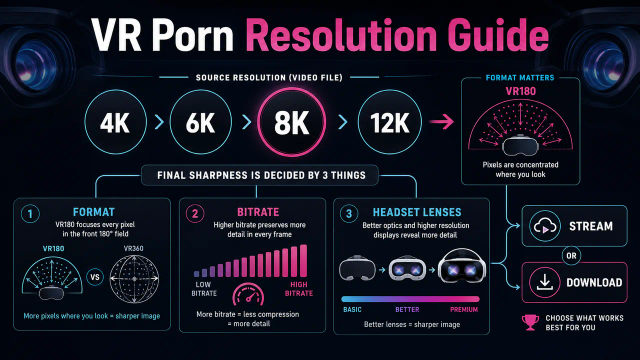
Most paid VR porn sites give you multiple quality options. Beginners should not grab the biggest file first. Pick a mid-sized 5K or 6K file, make sure your headset and player handle it, then move to 8K downloads for favorite scenes.
The key detail is that a VR porn file is not only a video. It also needs the right projection. A regular MP4 can open in a flat player and still look wrong. Your player must know whether the scene is 180-degree or 360-degree, and whether it uses side-by-side or over-under stereo.
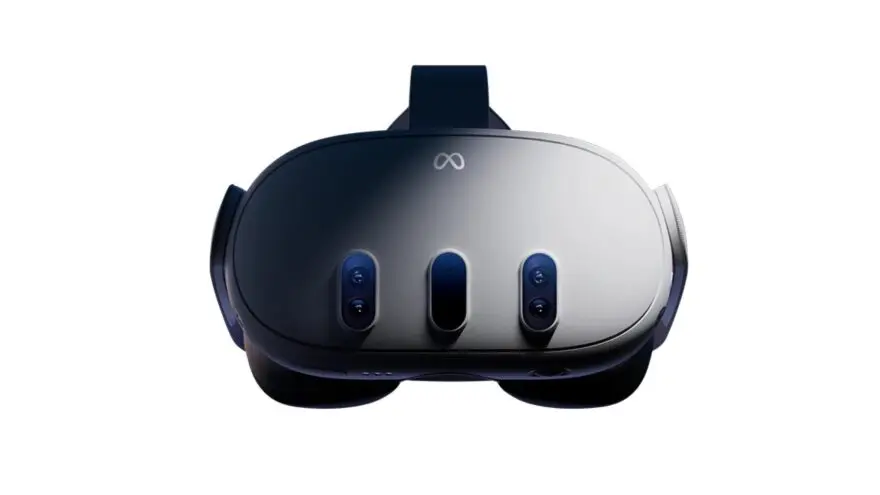
For most users, the best first offline setup is a Meta Quest 3 or Quest 3S with DeoVR installed. PC VR users can use HereSphere or DeoVR through SteamVR and keep large files on an SSD.
When Offline Downloads Make Sense
Download a scene when it has real replay value. Downloading everything creates clutter, but downloading nothing leaves quality on the table. The right middle path is to stream casually, then save favorite performers, premium 8K scenes, travel files, and anything that buffers over Wi-Fi.
Offline downloads make sense in five common situations:
| Situation | Why downloading helps |
|---|---|
| Weak Wi-Fi | Local playback avoids buffering |
| Travel | Files work without hotel or airplane Wi-Fi |
| 8K scenes | Higher bitrate preserves more detail |
| Repeat viewing | Seeking is smoother after the file is local |
| Shared bandwidth | Playback does not depend on the network |
Downloads also help when you compare headsets or players. Streaming adds too many variables. The site might change bitrate. The router might dip. The browser might buffer. A local file gives you the same source every time.
Privacy is more complicated. Offline files avoid live streaming traffic, but they also sit on your device. If someone else uses the headset, they may see files in Movies, Downloads, Skybox, or a player library. Streaming leaves fewer local files, but account history and browser data can still exist.
The practical rule is simple: download for quality, travel, and repeat viewing. Stream when you are browsing or testing a site for the first time. Use the VR porn resolution guide if you are unsure whether 6K, 7K, or 8K is worth the storage.
Best Sites for Offline VR Porn Downloads
Choose download sites by file quality, format labels, player compatibility, and library depth. A good offline site should tell you the resolution, offer common formats, and work with standard VR players. It should also make support easier if a download fails. Stream a preview before downloading the final file.
| Site | Offline strength | Best use |
|---|---|---|
| VRPorn.com | Huge multi-studio library with streaming and downloads | Best all-around account |
| VR Bangers | Premium studio files and sharp 8K scenes | Polished downloaded playback |
| BaDoinkVR | Strong performer roster and high-quality scene exports | Favorite performer scenes |
| SexLikeReal | App-first ecosystem with scripts and downloads | Users who want one platform |
| Czech VR | Large Euro catalog and strong file availability | Niche variety and studio downloads |

Start with a site that supports both streaming and downloads. Streaming lets you judge camera height, performance, lighting, and pacing before spending storage. Once a scene proves itself, download the best file your headset can play smoothly.
VRPorn.com is the easiest broad answer because it lets users browse many studios from one account. VR Bangers and BaDoinkVR make sense when you already know you want premium studio releases. SexLikeReal is better if you like app navigation and interactive scripts.
Do not build an offline workflow around third-party downloaders that promise to rip content from sites that do not allow downloads. That creates legal, security, and malware risk. It also misses the point of VR playback, because official download files are more likely to be correctly encoded and labeled.
VR Bangers consistently exports premium 8K files with clean codec choices and clear quality labels, making it the easiest path to a high-bitrate offline library.
File Formats and Player Settings
Learn four labels before downloading: resolution, projection, stereo mode, and codec. These labels decide whether the file looks immersive, flat, cross-eyed, or unplayable. The safest beginner choice is MP4, 180-degree, side-by-side, and a resolution your headset can decode smoothly. If one label is missing, test a small file first.
| Label | What it means | Best beginner choice |
|---|---|---|
| MP4 / MKV | Video container | MP4 first, MKV if your player supports it |
| H.264 | Older video codec | Easier compatibility, larger files |
| HEVC / H.265 | Newer high-efficiency codec | Common for 6K and 8K files |
| AV1 | Newer efficient codec | Useful on newer headsets, check support first |
| VR180 | Half-sphere video | Best for most VR porn |
| VR360 | Full-sphere video | More environment, less pixel density |
| SBS | Side-by-side stereo | Most common VR porn layout |
| OU / TB | Over-under or top-bottom stereo | Use only when the file says so |
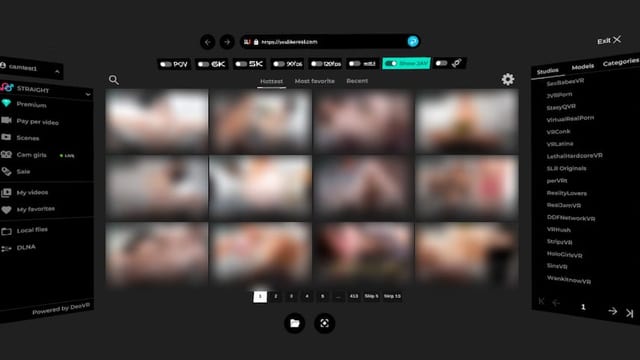
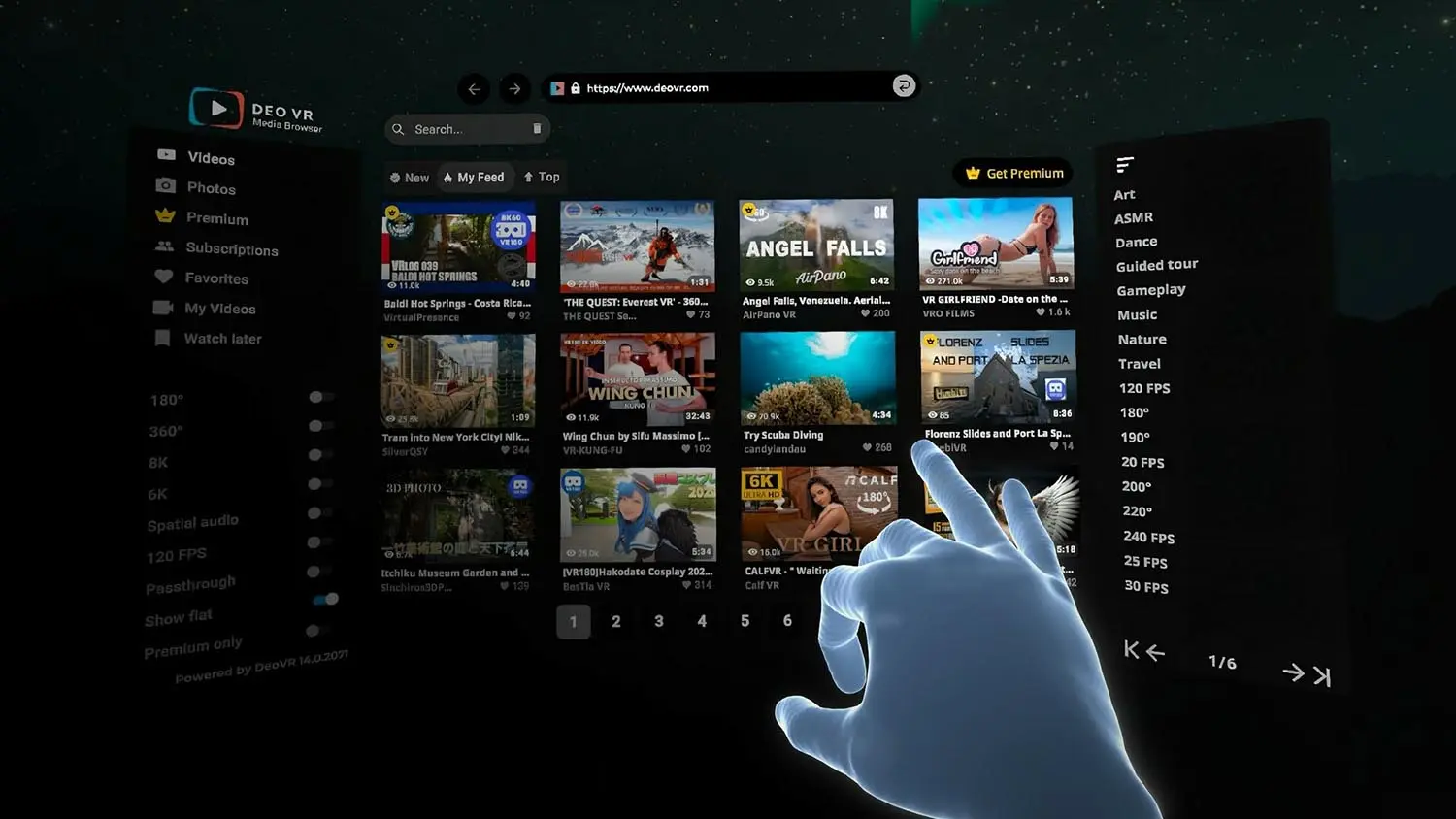
DeoVR plays the common VR video formats, including MP4 and MKV files in H.264, HEVC (H.265), VP9 or AV1, on Quest 3, Quest 3S and Windows, though support differs a little between platforms. If a file uses an unusual format, test a short clip in DeoVR before downloading a whole batch.
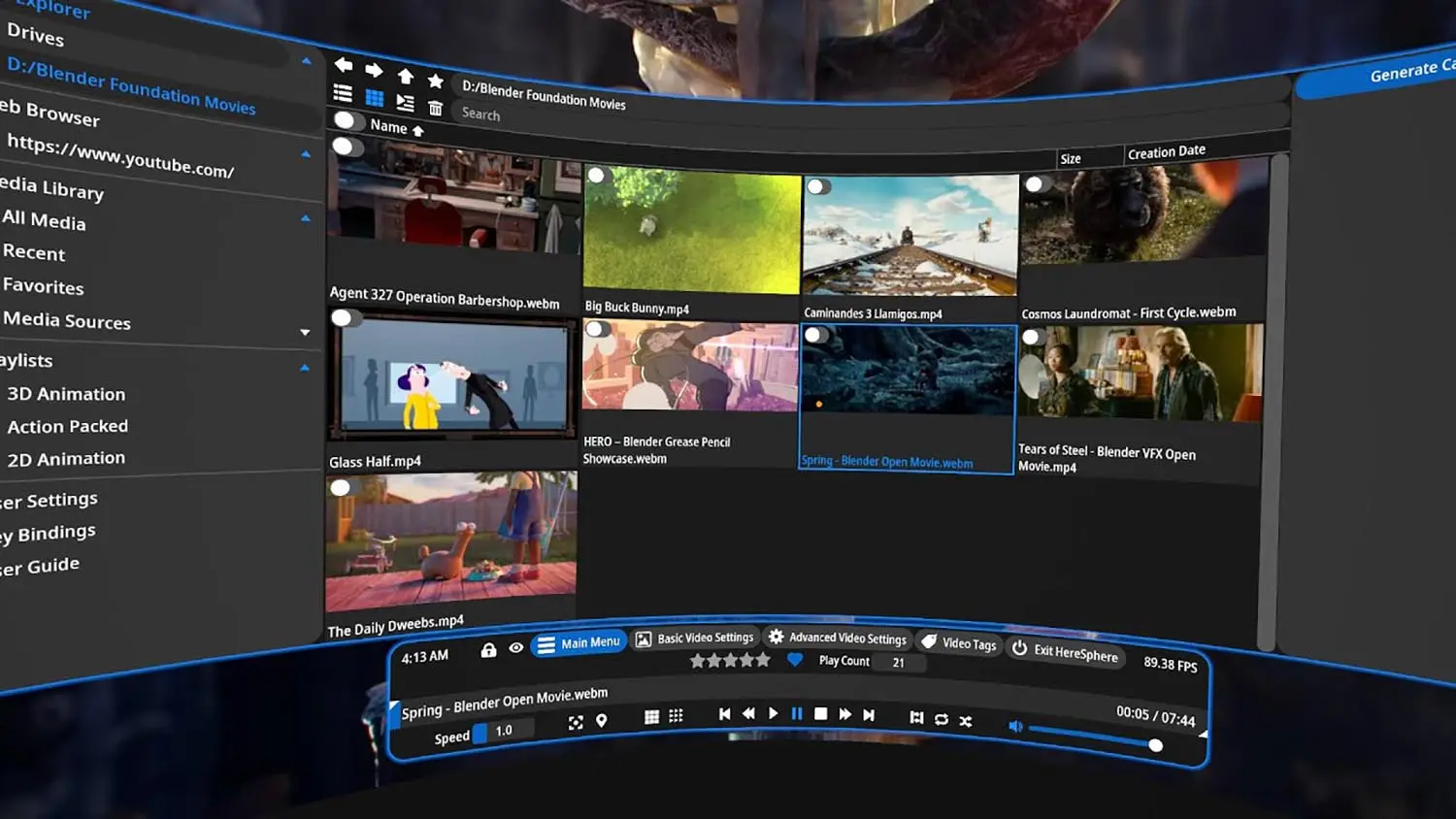
HereSphere is the better choice for users who want advanced correction tools. The HereSphere Steam page describes support for equirectangular and fisheye videos, side-by-side and top-bottom stereoscopic formats, web streaming, video tagging, and alignment controls. It is a power-user player, not the simplest first install.
If a file opens but looks wrong, the problem is usually not the download. It is usually the player mode. Try these fixes:
| Symptom | Likely cause | Fix |
|---|---|---|
| Looks flat | Player is in 2D mode | Switch to 180-degree or 360-degree |
| Looks cross-eyed | Wrong stereo mode | Toggle SBS or over-under |
| Looks too close | Wrong field of view | Try 180-degree fisheye or equirectangular modes |
| Audio plays, no video | Unsupported codec | Try another player or lower-quality file |
| Stutters badly | Bitrate too high | Download a smaller version |
| File missing in app | Storage permission issue | Grant media or storage access to the app |
Storage: How Much Space Do Downloads Need?
Plan storage before downloading a full offline library. High-resolution VR porn files are much larger than normal flat videos because they carry stereo views, high resolution, and high bitrate. A 128GB headset can fill quickly if every scene is 8K, so build around favorites instead of every preview.
| Download type | Typical role | Storage impact |
|---|---|---|
| 4K file | Older or entry-level playback | Lowest |
| 5K to 6K file | First test download | Moderate |
| 7K file | Good Quest 3 and Quest 3S balance | High |
| 8K file | Best quality for favorites | Very high |
| 8K 60fps file | Premium motion and clarity | Extremely high |
Treat 8K VR porn downloads as large files. A single premium scene can use 10GB to 60GB depending on length, codec, bitrate, frame rate, and studio export settings. Some files will be smaller. Some will be larger. The exact number depends on how the studio encoded the scene.
Do not use your headset as your only archive. A Quest is good for a small offline travel library, not a giant collection. Keep long-term files on a PC, external SSD, or encrypted drive. Copy only the scenes you plan to watch soon.
For a 128GB headset, keep the offline library tight. Store a few favorite 8K files, several mid-size 6K files, and leave enough room for apps, updates, and temporary downloads. For 256GB or 512GB headsets, you have more room, but the same habit still helps.
Use a plain folder structure:
VRPornVRBangersBaDoinkVRSLRFavoritesTest files
Keep filenames useful. Include the site, performer, resolution, and format when possible. A file named scene-final-v2.mp4 is useless after two weeks. A file named with the studio, performer, 8K, VR180, and SBS is easier to find and easier to fix in a player.
How to Watch Offline on Meta Quest 3 or Quest 3S
Meta Quest 3 and Quest 3S are the easiest offline headsets because they support standalone playback, dedicated players, browser downloads, and USB file transfer. The cleanest workflow is downloading on a PC, copying files over USB-C, then opening them in DeoVR, HereSphere, or Skybox.

There are two practical Quest workflows.
| Workflow | Best for | Tradeoff |
|---|---|---|
| Download inside Quest browser | Quick single files | Slower typing and file management |
| Download on PC, transfer to Quest | Large files and libraries | Requires USB-C data cable |
For headset-only downloads:
- Open the Meta browser.
- Log in to a site that allows downloads.
- Pick a scene and choose a file size.
- Wait for the download to finish.
- Open Files, DeoVR, HereSphere, or Skybox.
- Find the file in Downloads or Movies.
- Set projection and stereo mode if needed.
For PC-to-Quest transfer:
- Download the file on your PC.
- Connect the headset with a USB-C data cable.
- Put on the headset and allow file access if prompted.
- Open the Quest storage on your computer.
- Copy the file to
Movies,Download,DeoVR, or your player folder. - Disconnect the headset after the copy finishes.
- Open the file in your VR player.
Windows usually handles this kind of media transfer more easily than macOS. On Mac, Android-style media transfer can require extra tools or a different workflow. If the headset only charges, try another cable. Many USB-C charging cables do not carry data.
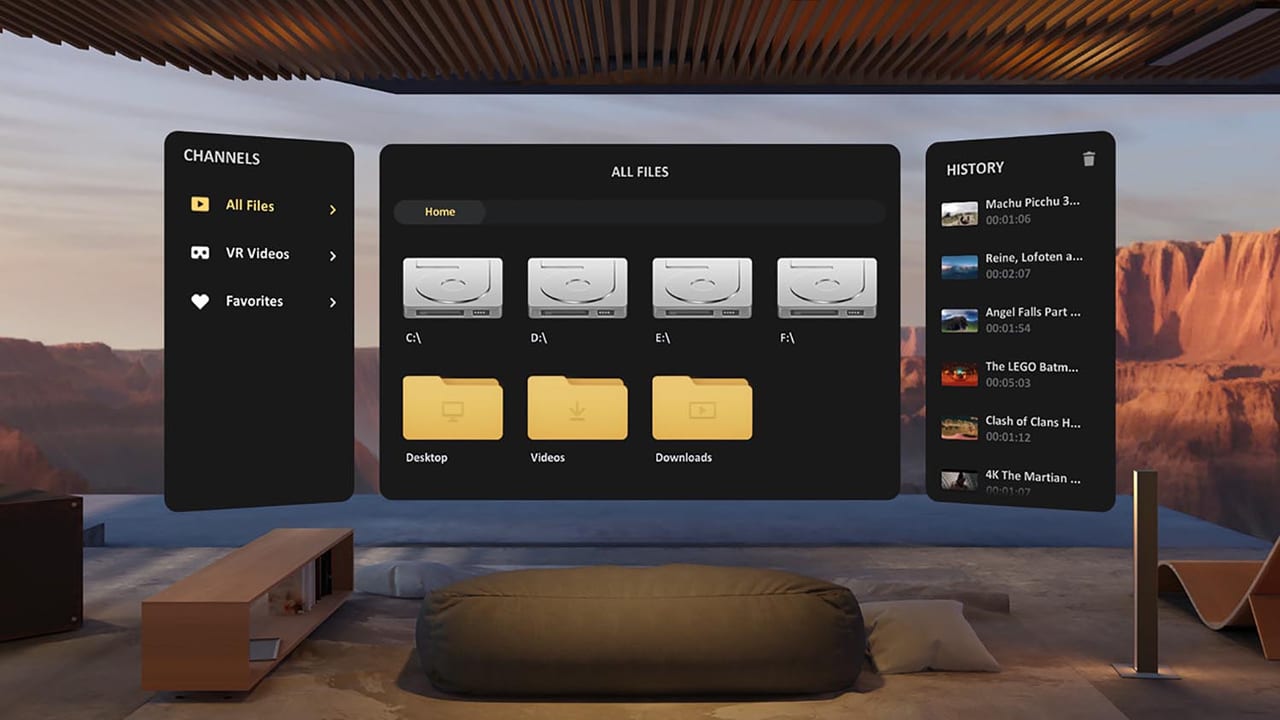
For playback, start with DeoVR because it is free and handles common VR video formats. Use HereSphere when you need color correction, zoom, or advanced projection control. Use Skybox when you want the cleanest local file browser. Our guide to watching VR porn in DeoVR lists the paid sites whose downloads play in it.
How to Watch Offline on PC VR
PC VR is the better fit if you plan to keep a large offline library. A desktop or laptop has more storage, easier file naming, faster downloads, and better backup options than a standalone headset. It also makes high-bitrate 8K files easier to manage, especially when paired with a private SSD. For the full PC VR porn setup, including which GPU and headset connection to use, see the dedicated guide.
The PC VR workflow is simple:
- Download the file to a dedicated folder.
- Keep files on an internal SSD or fast external SSD.
- Install DeoVR, HereSphere, Skybox, or another SteamVR player.
- Launch SteamVR or your headset runtime.
- Open the file from the player library.
- Set projection and stereo mode.
- Save player settings for repeat scenes.
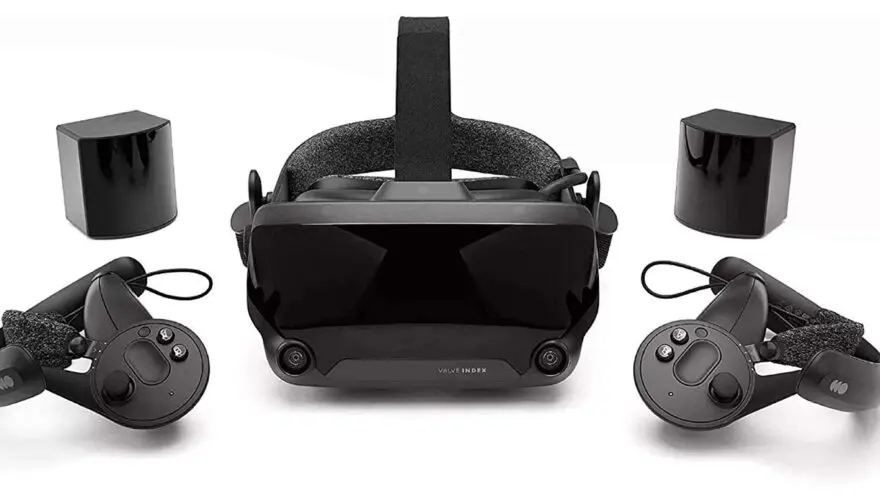
PC VR is the best fit for large 8K libraries because storage is cheaper. It is also easier to back up. You can keep the main library on a private drive, then copy selected scenes to a Quest or other standalone headset for travel.
The weak point is setup friction. A standalone headset is simpler. PC VR can involve GPU drivers, SteamVR, Link cables, Air Link, Virtual Desktop, and codec packages. If your goal is one quick offline scene, Quest is easier. If your goal is a curated long-term library, PC VR is better.
For HereSphere users, check whether the file needs HEVC support on Windows. Some playback problems come from missing system codecs rather than bad files. If a file fails in one player, try another before assuming the download is broken.
Apple Vision Pro and Offline VR Porn
Apple Vision Pro is a high-quality but less direct offline device. The display can make high-bitrate files look excellent, but the download and player ecosystem is different from Quest. Test a single file and player path before buying a subscription mainly for offline use.
Apple Vision Pro comes in 256GB, 512GB, and 1TB storage options, with a micro-OLED 3D display system and HEVC video playback support. That hardware makes high-quality files attractive, but storage can still fill quickly when every scene is a large 8K download.
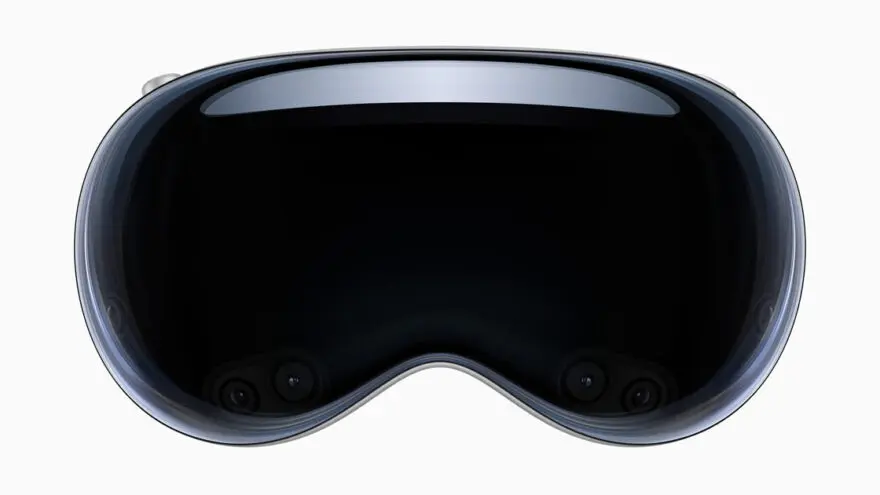
The easiest Vision Pro workflow is usually discovery through Safari, then local playback through a compatible app, files workflow, or site-specific path. Do not assume every Quest file workflow carries over. Vision Pro has different app rules, different file handling, and fewer mature adult VR player options.
For Vision Pro users, we recommend:
| Need | Recommendation |
|---|---|
| First session | Stream through Safari where supported |
| Quality testing | Download one 6K or 8K test file |
| Large library | Keep master files on a Mac or external SSD |
| Privacy | Avoid dumping files into obvious shared folders |
| Troubleshooting | Confirm codec and projection support first |
Vision Pro rewards clean source files because the display is sharp. It also punishes bad compression. If a stream looks soft, a high-bitrate download may look better. If the download path feels awkward, keep Vision Pro as a streaming-first headset and use Quest or PC VR for offline libraries.
Privacy, Legal, and Travel Tips
Think about privacy before the first download. Offline files are convenient, but they create local evidence: filenames, folders, thumbnails, player history, and storage usage. Streaming has its own history trail, but downloads are easier for another device user to stumble across during normal browsing.
Use legal download options first. This means a download button from the site, app, or account you paid for. Avoid tools that promise to rip scenes from platforms that do not allow downloads. They often create malware risk, broken files, and terms-of-service problems.
For privacy, use simple habits:
- Keep files in a private folder.
- Avoid explicit folder names on shared PCs.
- Rename files carefully without losing format clues.
- Clear browser downloads after transferring.
- Remove failed downloads immediately.
- Check player history and thumbnails.
- Lock your headset profile when possible.
- Do not cast or mirror while opening local media.
For travel, prepare the library before leaving. Hotel Wi-Fi is unreliable for large VR downloads. Airplane and train Wi-Fi often block or throttle adult sites. Download at home, test playback once, charge the headset, and carry a data-capable USB-C cable.
If you travel with a Quest, keep a small offline library. A few tested files are better than a giant untested folder. If you travel with a laptop, keep the larger archive on an encrypted external SSD and copy only what you need to the headset.
Troubleshooting Offline VR Porn Downloads
Troubleshoot in this order: confirm the file finished downloading, check player permissions, set the correct projection, test another player, then download a smaller version. Most offline playback problems come from format mismatch, incomplete downloads, missing storage access, or a headset that cannot decode the chosen file smoothly.
| Problem | What it usually means | Fix |
|---|---|---|
| File will not appear | App lacks storage access | Grant media permissions or use another folder |
| File appears but will not play | Unsupported codec | Try MP4/H.264 or MP4/H.265 |
| Video is flat | Wrong projection | Switch from flat to 180-degree or 360-degree |
| Eyes feel reversed | Wrong stereo layout | Toggle SBS, over-under, or eye swap |
| Image is upside down | Rotation metadata or player mode | Use player rotation controls |
| Playback stutters | File too large or storage too slow | Use a lower bitrate file |
| Audio only | Codec mismatch | Try DeoVR, HereSphere, or Skybox |
| Download fails halfway | Browser timeout or network drop | Download on PC instead |
| Quest only charges on USB | Cable has no data pins | Use a USB-C data cable |
| Local file history shows too much | Player keeps thumbnails | Clear player history or delete cache |
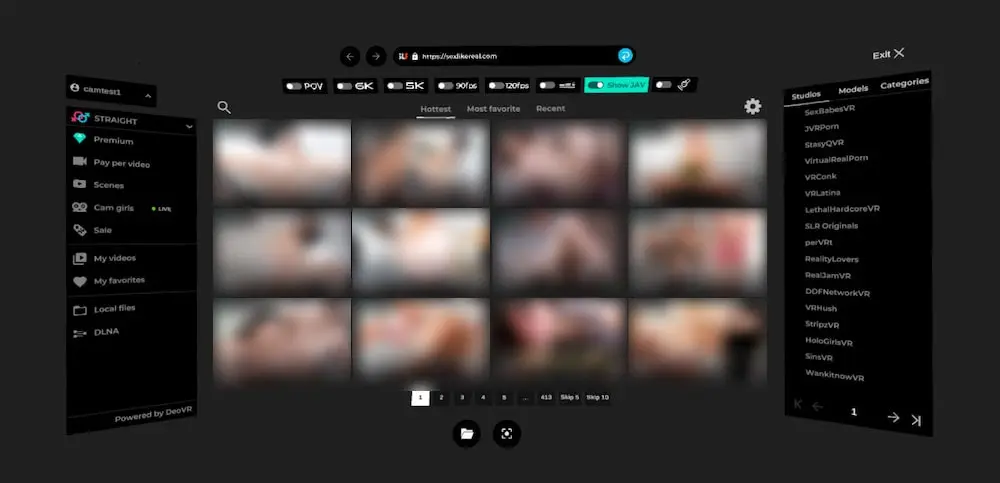
If one player fails, try another. DeoVR, HereSphere, and Skybox do not behave identically. A file that opens badly in a default media app may work fine in a dedicated VR player.
If every player fails, download a smaller file from the same site. Some 8K files push older headsets too hard. Some codecs require newer hardware. Testing a 5K or 6K version can tell you whether the problem is the file, the player, or the device.
FAQ
The short version on offline VR porn downloads is simple: download legally, test one file first, use a dedicated VR player, and keep storage under control. If the first file works, scale slowly instead of filling the headset.
Can you download VR porn and watch it offline?
Yes. Use a site or app that provides legal download access. Save the right file, transfer it if needed, then play it in DeoVR, HereSphere, Skybox, or another VR player. Do not rely on third-party ripping tools.
What is the best file format for downloaded VR porn?
MP4 or MKV is best for most users. Choose 180-degree side-by-side when possible. H.265 is common for high-resolution files. H.264 is easier for older devices. AV1 can work well on newer headsets, but support varies.
How much storage do offline VR porn downloads need?
Plan for large files. A single premium 8K scene can use 10GB to 60GB depending on length, bitrate, codec, frame rate, and export settings. Keep only favorites on headset storage and archive the rest on a private PC or SSD.
How do I watch downloaded VR porn on Meta Quest 3 or Quest 3S?
Install DeoVR, HereSphere, or Skybox. Download a file in the headset browser or copy it from a PC over USB-C. Put it in Movies, Download, or a player folder. Open it in the player and select the correct projection.
Is downloading VR porn more private than streaming?
Not automatically. Downloads avoid live streaming and buffering, but they create local files, thumbnails, player history, and storage traces. Streaming can leave account and browser history. The private choice depends on your device, account, and cleanup habits.
Why does my downloaded VR porn look flat or cross-eyed?
The player is using the wrong mode. Set the video to 180-degree or 360-degree, then choose side-by-side or over-under. If the eyes still feel wrong, try eye swap or another player. The file may be fine.
Bottom Line
We recommend downloading VR porn offline as a selective quality workflow, not as a default for everything. Stream first to find the scenes worth keeping. Download the legal files that benefit from 8K quality, offline access, smoother seeking, or repeat viewing. That habit keeps the library useful and private.
For most users, the best setup is a Quest 3 or Quest 3S with DeoVR, plus a PC or SSD for long-term storage. PC VR users can keep larger libraries. Apple Vision Pro users should test carefully before committing to an offline workflow.
The rule is simple: stream to browse, download to keep, and test one file before building the library.