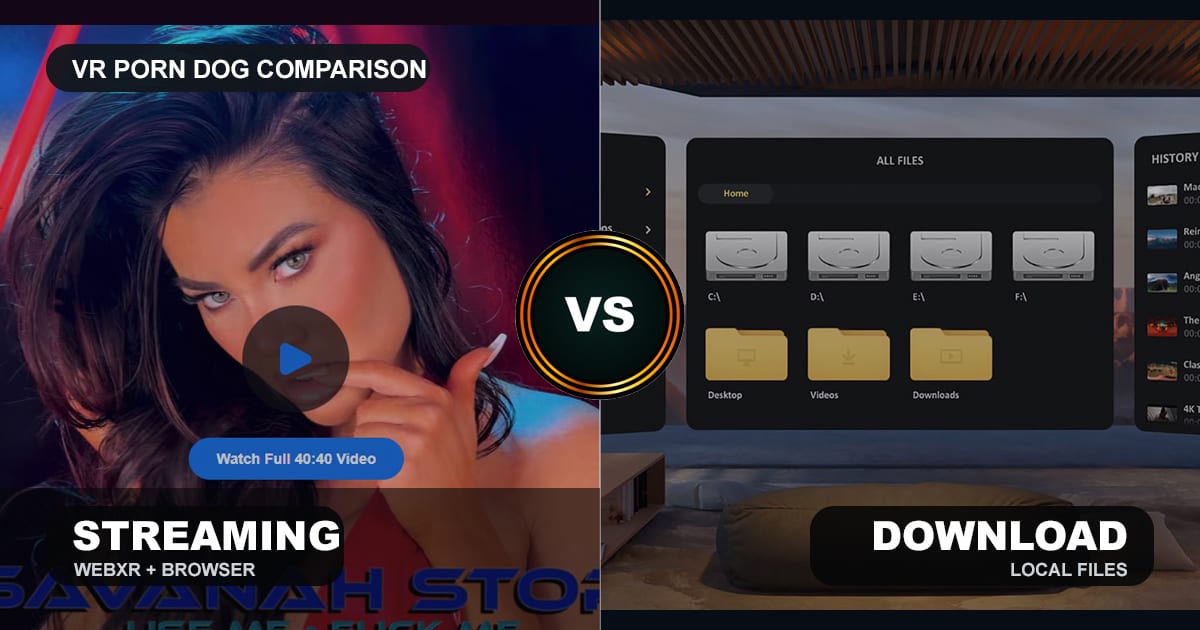
We recommend streaming VR porn first, then downloading the scenes you know you want to keep. Streaming wins for speed, storage, privacy from local files, and quick site testing. Downloads win for 8K clarity, stable playback, offline viewing, and high-end headsets that expose compression.
Most users should use both. Start with streaming on a Meta Quest 3, Quest 3S, Pico, or Apple Vision Pro browser. If a scene looks worth saving, download the best file and play it in DeoVR, HERESPHERE, Skybox, or the site’s own app. For the file workflow, use the offline VR porn download guide. VRPorn.com is the cleanest example because it supports both 5K WebXR streaming and 8K downloads in one account.
This comparison covers quality, storage, privacy, headset support, apps, file sizes, offline viewing, and setup steps. If the format label is the confusing part, read the VR180 vs VR360 guide first. For broader hardware setup, use the VR porn headset guide. For site choices, start with the best VR porn sites ranking.
VRPorn.com is the simplest place to test streaming first, then download 8K keepers from the same account.
Quick Comparison
Streaming and downloading are two parts of the same workflow. Streaming is the best starting point because it gets you into a scene quickly. Downloads are the better final format when image quality, seeking, travel, or repeat viewing matters.
| Feature | VR porn streaming | VR porn downloads |
|---|---|---|
| Best for | Quick browsing and testing | Favorite scenes and best quality |
| Setup time | Fastest | Slower |
| Typical quality | 4K to 5K adaptive streams | 6K to 8K files, sometimes higher |
| Bitrate | Lower and network-dependent | Higher and stable |
| Storage needed | Minimal | High |
| Offline viewing | No | Yes |
| Privacy risk | Account and browser history | Local files on device |
| Seeking / scrubbing | Can buffer | Smoother after file loads |
| Best headset fit | Quest 3S, Quest 2, casual Quest users | Quest 3, Vision Pro, PC VR, micro-OLED headsets |
| Best player path | Browser, WebXR, site app | DeoVR, HERESPHERE, Skybox, local file player |
| Best verdict | Use first | Use for keepers |
What Streaming Does Best
Streaming is the best first step for almost every VR porn user. It is fast, low-commitment, and easy to test across multiple sites. You can open the headset browser, load a scene, check framing, and move on without filling storage.

Streaming works best when you are still browsing. The first five minutes matter. You want to know whether the scene has the right performer, camera height, depth, audio, and pacing before committing storage space.
On a Meta Quest headset, the flow is simple:
- Open the headset browser.
- Visit a site with WebXR playback.
- Pick a 180-degree or 360-degree stereoscopic scene.
- Press the VR mode button.
- Accept the headset prompt.
WebXR is the browser standard that lets web pages connect to VR headsets. For users, the practical effect is simple: the browser can present a VR scene without a separate app.
Streaming also protects storage. A Quest, Pico, or Vision Pro can fill quickly when every 8K file takes many gigabytes. Browser playback avoids that. It also keeps fewer visible files in your local player or file manager.
The tradeoff is quality. Streaming depends on your WiFi, site bitrate, server load, and player behavior. Adaptive streams can drop quality when the connection dips. Dark scenes, fast movement, and high-detail close-ups show compression first.
Verdict: streaming is the right default for browsing, sampling, and first-time setup. It is not always the best final playback format.
What Downloads Do Best
Download when you care about the cleanest image. Downloaded VR porn files usually hold higher bitrate than streams, which means sharper skin detail, cleaner motion, and fewer compression artifacts. The improvement shows most on 8K scenes and high-resolution headsets.
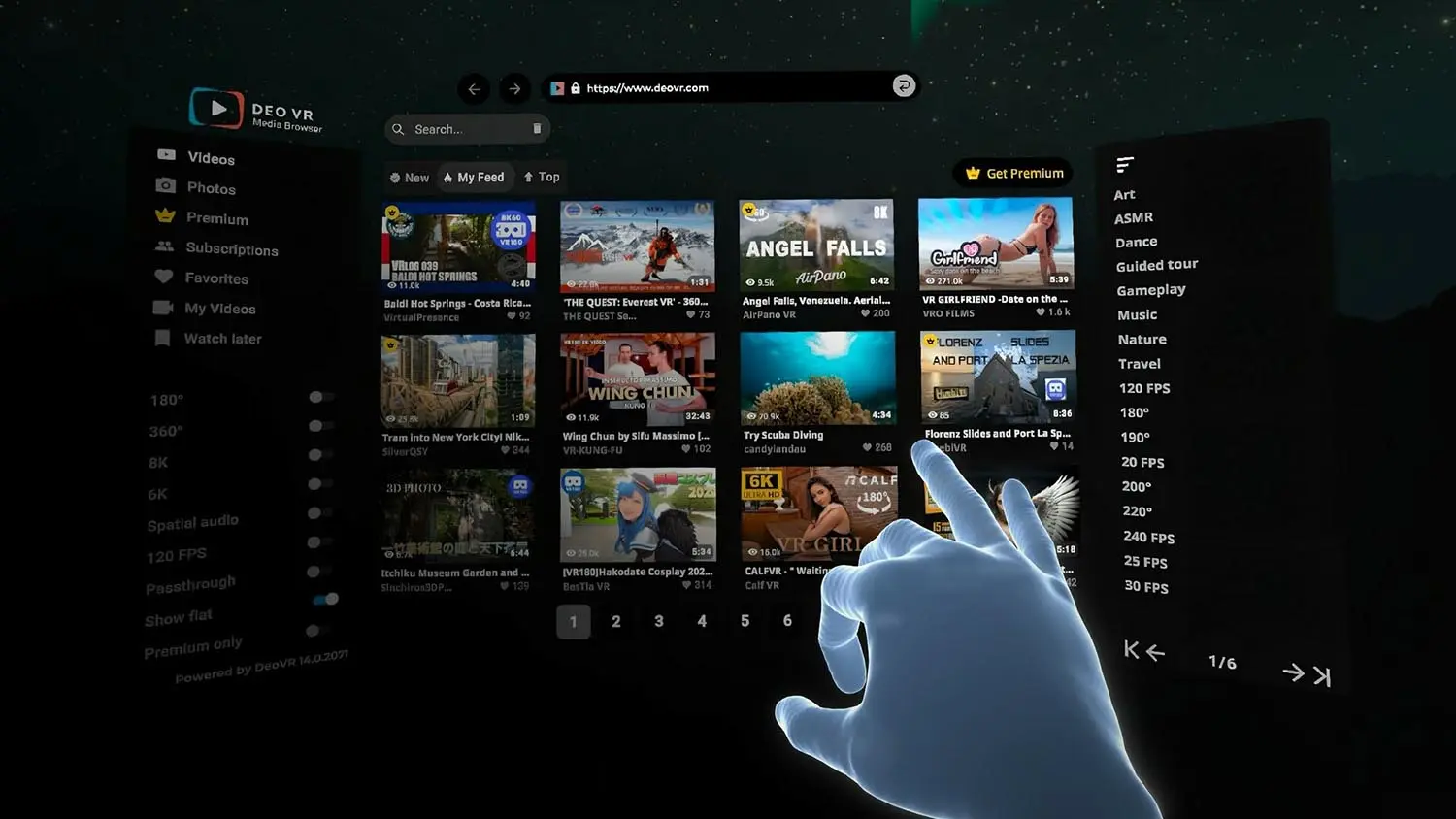
The biggest download advantage is bitrate. Resolution alone does not tell the whole story. A 5K stream can look worse than a 5K download if the stream is heavily compressed. An 8K download can look much better because it preserves more detail per frame.
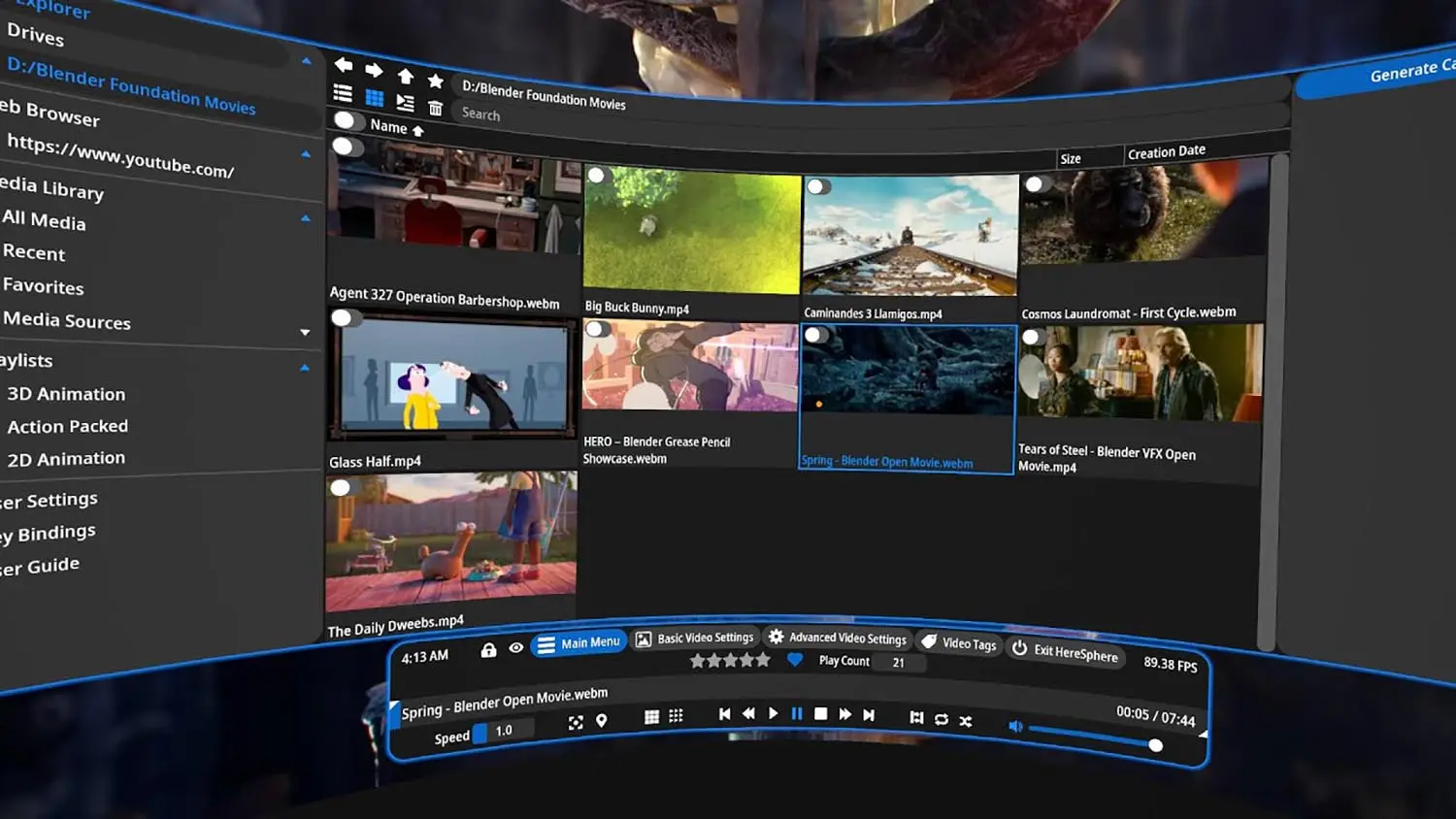
Downloads also seek better. Scrubbing through a long scene over a stream can trigger buffering. A local file usually jumps faster once the player has indexed it. That matters if you replay specific segments or compare scenes side by side.
Offline playback is the other major win. Travel, weak WiFi, hotel networks, and private cabins all favor downloads. Load the files before you leave. Then play locally without exposing the session to a bad connection.
DeoVR supports a broad range of local files and codecs across Windows and standalone headset apps, including MP4, MKV, HEVC, H.264, VP9, and AV1 on Quest 3 and Quest 3S.
Downloads are not perfect. They take time. They use storage. They leave files on the device. They also require a good player and basic file management. If you dislike managing folders, streaming will feel easier.
Verdict: downloads are the quality path. Use them for favorite scenes, 8K files, offline viewing, and premium headsets that make compression obvious.
Video Quality: 5K WebXR vs 8K Files
The strongest quality gap is between WebXR streaming and downloaded 8K files. Streaming can look excellent on Quest 3S and Quest 2, but downloads pull ahead on Quest 3, Apple Vision Pro, Bigscreen Beyond, and PC VR headsets with sharper optics.
| Quality factor | Streaming | Download |
|---|---|---|
| Resolution ceiling | Usually 4K to 5K | Usually 6K to 8K |
| Bitrate stability | Changes with network | Stable after download |
| Dark scenes | More compression risk | Cleaner shadows |
| Fast movement | More blur and blocking | Cleaner motion |
| Close facial detail | Good on Quest 3S | Better on Quest 3 and higher |
| Audio quality | Usually fine | Usually best source track |
| Best use case | Try many scenes | Watch favorites |
An 8K file does not always beat a good stream by a huge margin. If the headset uses older Fresnel lenses, the optics can hide some of the difference. This is why Quest 2 and Quest 3S users can stream happily for most sessions. In fact, the Quest 2 and Quest 3S share the same screen and lenses, so the same streaming advice fits both.
The gap widens on better lenses. Quest 3 uses pancake optics that keep edges sharper. Apple Vision Pro and micro-OLED PC headsets expose compression more clearly. Once a headset shows enough fine detail, bitrate becomes the bottleneck.
Scene type also matters. Bright solo scenes tolerate streaming better. Dark cinematic scenes from BaDoinkVR or high-detail studio releases from VR Bangers benefit from downloaded playback because compression blocks show up in shadows and gradients.
Frame rate matters too. A 60fps download can feel smoother than a low-bitrate stream at the same frame rate. The player has a stable local file, so head movement and seeking feel cleaner.
Verdict: stream first on every site. Download the best scenes when the headset is sharp enough to show the difference.
Headset Compatibility
Match the format to the headset. Standalone browsers make streaming easy on Quest and Pico. High-end headsets reward downloads. Apple Vision Pro is a special case because Safari WebXR works, but downloaded 8K files better match the display quality.
| Headset | Best first method | When to download |
|---|---|---|
| Meta Quest 3 | WebXR streaming | For 8K keepers and premium studio scenes |
| Meta Quest 3S | WebXR streaming | When WiFi drops quality or you travel |
| Meta Quest 2 | WebXR streaming | For offline files and smoother seeking |
| Apple Vision Pro | Safari WebXR | For 8K files that justify the display |
| Pico 4 | Browser or DeoVR | For local playback and 8K scenes |
| PC VR | Browser or app | For best bitrate and local libraries |
| Bigscreen Beyond 2 | PC player | Almost always, because the headset is built for PC files |
| PSVR2 | PC adapter route where possible | Only after checking player support |
| Smartphone VR | Browser | Rarely, because storage and optics limit the gain |
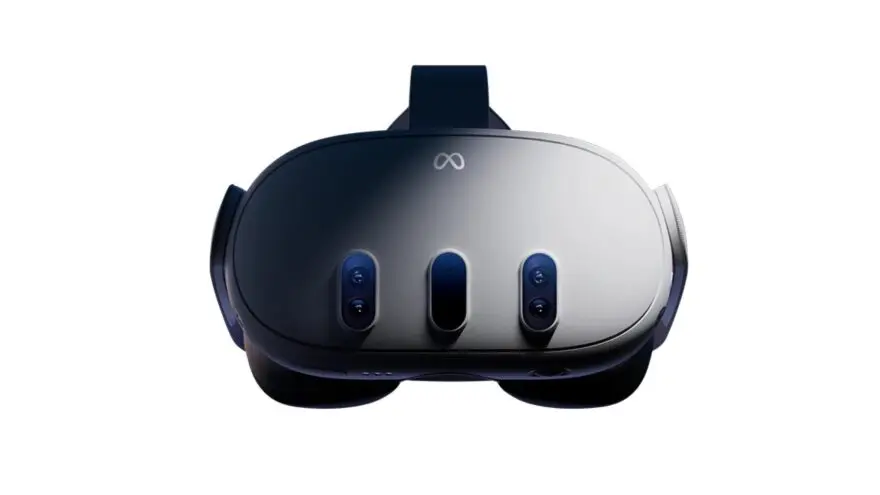
Quest 3 is the best all-around split. It streams cleanly through the browser and plays downloads well in DeoVR or HERESPHERE. The pancake lenses make the 8K difference visible enough to justify saving favorite scenes.
Quest 3S is the best streaming-first headset. It runs the same XR2 Gen 2 chip family as Quest 3, but the Fresnel lenses soften fine detail. Streaming is enough for most sessions, and downloads matter most for offline viewing.
Apple Vision Pro has the strongest display case for downloads. Safari on visionOS 2 supports immersive VR sessions on Vision Pro. Use Safari for discovery. Use downloads when you want to see what the micro-OLED panels can really do.
PC VR users should download more often. A wired or high-end wireless PC setup can use better local players, bigger drives, and more codec options. Storage is cheaper on a PC than inside a headset.
PSVR2 remains the caution case. It has strong OLED hardware, but the adult-video path is still less direct than Quest. Follow the PSVR2 guide before buying a subscription around that headset.
Verdict: Quest users should mix both methods. PC VR and Vision Pro users should lean toward downloads for favorite scenes.
Storage, Privacy, and File Management
Storage and privacy are the real tradeoff behind downloads. Streaming avoids local files and keeps setup light. Downloads give better playback but create files that need names, folders, cleanup, and private storage discipline.
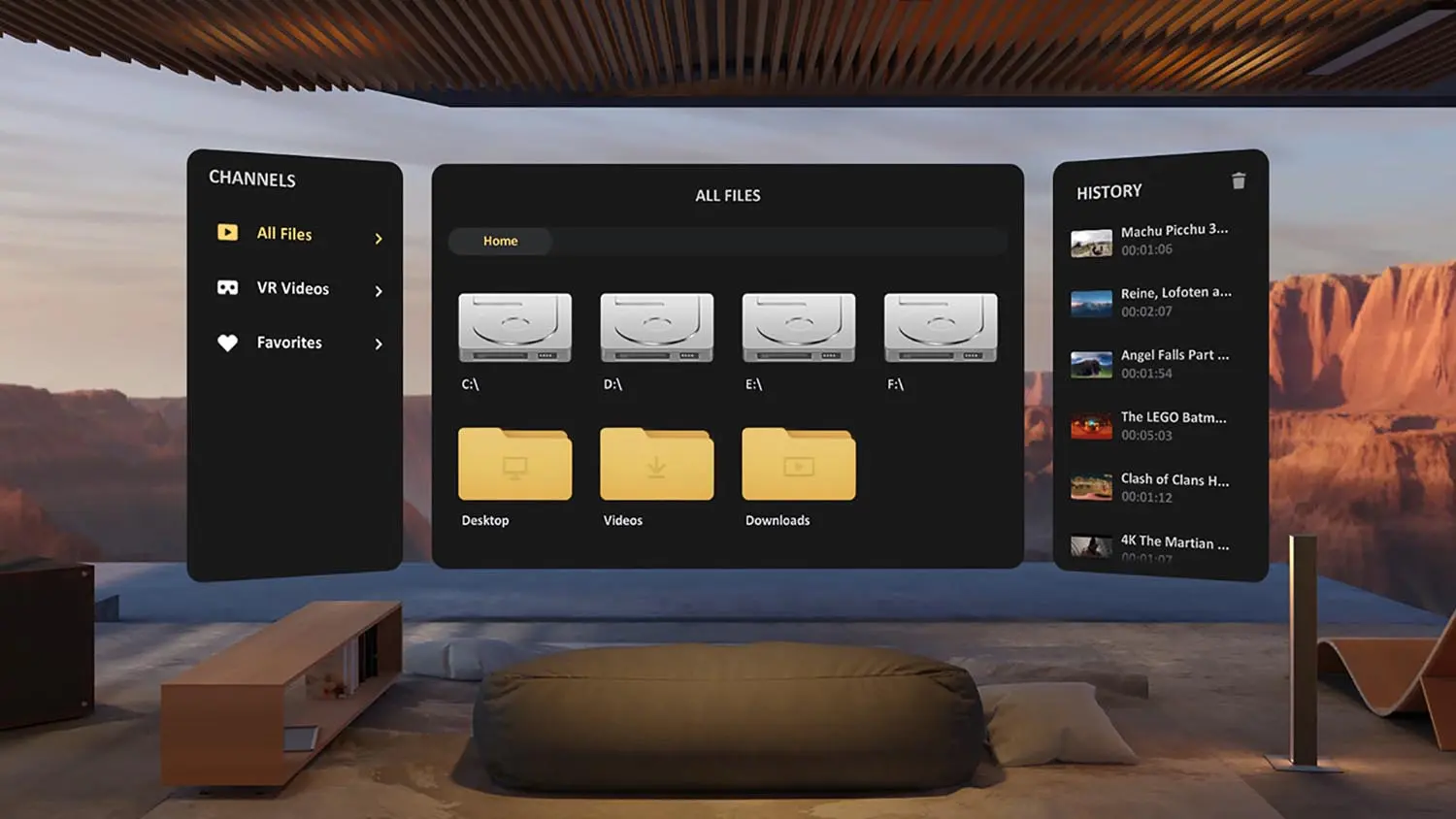
The storage math gets real fast. A short 4K scene may be manageable. A premium 8K download can eat a large chunk of headset storage. Ten favorite scenes can become a real library. Fifty scenes can become a storage project.
Use this simple rule:
| Library style | Better method | Why |
|---|---|---|
| Testing a new site | Streaming | No clutter |
| One-time viewing | Streaming | No file cleanup |
| Favorite performer scenes | Download | Better replay quality |
| Travel library | Download | Works without WiFi |
| Shared device | Streaming | Fewer local traces |
| Private PC setup | Download | Easier storage control |
Privacy cuts both ways. Streaming can leave browser history, cookies, and account activity. Use private browsing and clear site data when needed. Downloads leave actual files. Rename folders carefully, use a private drive, and delete old files after watching.
Do not keep everything. A good local library should feel curated. Keep scenes that benefit from replay or 8K quality. Stream the rest. This saves storage and keeps your player menus clean.
For file management, use plain folders:
- Sort by site or studio.
- Keep performer names in the filename if you search by performer.
- Keep format markers like “180”, “SBS”, “8K”, and “60fps”.
- Delete failed downloads immediately.
- Keep a small test file on every new headset before filling it.
Verdict: downloads need discipline. Stream casually, download selectively, and keep local files organized.
Setup: How to Stream vs How to Download
Set up both paths on day one. Streaming proves your account, browser, and headset work. Downloads prove your player, storage, codec, and file-transfer flow work. If both are ready, you can choose by scene instead of troubleshooting mid-session.
Streaming setup:
- Open your headset browser or the site’s app.
- Sign into a site such as VRPorn.com, SexLikeReal, or POVR.
- Pick a 180-degree SBS scene first.
- Press the VR or immersive mode button.
- Grant headset permission if prompted.
- Start at medium quality, then raise quality after playback stabilizes.
Download setup:
- Download a short test file first.
- Pick MP4 or MKV with HEVC when the player supports it.
- Transfer the file to headset storage, a PC drive, or a network share.
- Open the file in DeoVR, HERESPHERE, Skybox, or another VR player.
- Confirm stereo mode, usually side-by-side.
- Confirm projection, usually 180-degree or 360-degree.
- Save the player preset if the app supports it.
WebXR is also why the Quest browser and other modern headset browsers can play VR content without a separate app.
If a video looks flat, the file or player mode is wrong. Choose SBS, 180-degree, or 360-degree based on the file label. If scale feels wrong, adjust zoom and distance in the player. If motion feels choppy, try a lower resolution or a more compatible codec.
Verdict: set up streaming and downloads before you need them. Most playback problems are player-mode mistakes, not broken files.
Best Sites for Streaming and Downloads
Choose a site based on the format you use most. Some platforms are best as browser-first libraries. Others shine when you download studio files. The best sites support both cleanly.

| Site | Best format | Why |
|---|---|---|
| VRPorn.com | Both | 5K WebXR streaming, 8K downloads, huge library |
| SexLikeReal | App streaming and downloads | SLR app, scripts, large catalog |
| POVR | Streaming first | Curated browsing and WebXR access |
| VR Bangers | Downloads | Premium studio scenes reward higher bitrate |
| BaDoinkVR | Downloads | Cinematic lighting and 8K files show quality gains |
| Czech VR | Both | Large Euro catalog with strong download options |
VRPorn.com is the easiest default recommendation because it covers both workflows well. Stream through the headset browser when you are browsing. Download 8K files when a scene is worth keeping. One subscription also includes games and live cams, so it fits users who want one main platform.
SexLikeReal is the app-first pick. The SLR app makes streaming fast on Quest and Pico, and its script library is the better choice for interactive VR porn sites. Downloading still makes sense for favorite scenes, especially if you use HERESPHERE on PC VR.
VR Bangers and BaDoinkVR are more download-friendly than casual browser users may realize. Both studios invest in lighting, sets, and camera work that benefit from higher bitrate. If you subscribe for a specific premium performer or flagship scene, download the best file.
Verdict: choose VRPorn.com for both formats, SexLikeReal for app streaming and scripts, and premium studios for download-first viewing.
Who Should Stream
Streaming suits beginners, casual viewers, storage-limited headset users, and anyone testing a new subscription. Streaming gets you the answer fast: does the site work, does the scene fit, and does the headset handle playback cleanly?

Choose streaming if:
- You are new to VR porn.
- You use Quest 3S, Quest 2, or a lower-storage headset.
- You browse many scenes in one session.
- You do not replay the same scene often.
- You share a device and want fewer local files.
- Your WiFi is stable enough for 4K or 5K playback.
- You want the fastest route from search to scene.
Streaming is also the better path for live VR cams. Live content cannot be downloaded in the same way, and latency matters more than 8K quality. Use a strong WiFi connection and keep the headset close to the router.
Do not overthink the first session. If the site supports WebXR, start in the browser. If quality looks soft, then test downloads. The best setup is the one that helps you watch instead of configuring forever.
Verdict: stream if convenience matters more than peak image quality. For most users, that is most sessions.
Who Should Download
Downloads suit repeat viewers, high-end headset owners, offline users, PC VR setups, and anyone who notices compression easily. Downloading is the right move once a scene has proven it deserves storage space.
Choose downloads if:
- You own Quest 3, Apple Vision Pro, Bigscreen Beyond, or PC VR.
- You want the cleanest 8K image.
- You replay favorite scenes often.
- You travel or watch away from reliable WiFi.
- You use a local player with color, zoom, and projection controls.
- You want smoother seeking through long scenes.
- You keep a private PC or encrypted storage drive.
Downloads also fit review-style viewing. If you compare scenes, sites, or headsets, streaming introduces too many variables. A local file keeps bitrate stable and makes side-by-side testing fairer.
The downside is maintenance. Files age, players update, codecs vary, and headset storage fills. Keep the library small. Favor scenes that benefit from quality. Leave everything else in the cloud.
Verdict: download the scenes you care about. Do not turn every session into file management.
How VR Porn Dog Tested Streaming vs Downloads
VR Porn Dog tested streaming and downloaded playback across standalone and PC VR setups. The goal was not to crown one format in isolation. The goal was to find the point where downloads become worth the extra setup.
Hardware tested:
- Meta Quest 3
- Meta Quest 3S
- Meta Quest 2
- Apple Vision Pro
- Pico 4
- Valve Index PC VR
- Bigscreen Beyond 2 PC VR
Playback paths tested:
- Quest browser WebXR
- Safari WebXR on Apple Vision Pro
- DeoVR on Quest and PC
- HERESPHERE on PC VR
- Skybox file browsing on Quest
- Native site apps where available
What we checked: scene load time, buffering, motion clarity, dark-scene compression, seeking speed, local file setup time, player-mode errors, storage use, and privacy cleanup. We tested shared studio scenes where possible so the source content stayed comparable.
The main result was consistent. Streaming wins the first five minutes. Downloads win after you know a scene matters.
The Verdict
We recommend a hybrid workflow: stream first, download keepers. Streaming is the fastest, cleanest, lowest-maintenance way to browse VR porn. Downloads are the best way to watch favorite scenes at their highest quality.

For beginners, start with streaming on a Quest browser. For serious quality, download 8K files and use a dedicated player. For Vision Pro and PC VR, lean more heavily on downloads because the displays expose streaming compression. For Quest 3S and Quest 2, streaming will satisfy most sessions.
The practical answer is simple. Do not download blind. Do not stream everything forever. Browse with streaming, save with downloads, and let the scene decide.
Also choosing a site? Start with VRPorn.com’s review for the strongest both-format platform, SexLikeReal’s review for app streaming and scripts, or the full best VR porn sites ranking for every major option.
VR Porn Streaming vs Download FAQ
Most streaming vs download questions come down to convenience versus quality. Streaming is the best first test for most users. Downloads are the better final format when 8K clarity, offline playback, stable seeking, or high-end headset detail matters.
Is it better to stream or download VR porn?
It is better to stream first and download later. Streaming helps you test sites, performers, framing, and headset playback quickly. Downloads make sense after a scene proves it deserves storage space.
Does downloaded VR porn look better than streaming?
Downloaded VR porn usually looks better when the file has higher bitrate. The difference shows most in 8K scenes, dark lighting, fast motion, and high-detail close-ups. Quest 3, Apple Vision Pro, Bigscreen Beyond, and PC VR reveal the gap most clearly.
Can Meta Quest 3 stream VR porn without downloading?
Yes. Meta Quest 3 can stream VR porn through the headset browser when a site supports WebXR playback. Open the site, choose a stereoscopic scene, press the VR mode button, and accept the headset prompt.
How much storage do VR porn downloads need?
Treat 8K VR porn downloads as large files. A single scene can use 10GB to 60GB depending on length, codec, bitrate, and studio export settings. Entry-level headset storage fills quickly, so download selectively.
Is streaming VR porn more private than downloading?
Streaming avoids local video files, which helps on shared headsets. It can still leave browser history, cookies, and account activity. Downloads give more control but create visible files unless you manage folders, names, and cleanup carefully.
Which sites are best for streaming and downloads?
VRPorn.com is the easiest both-format pick because it supports WebXR streaming and 8K downloads. SexLikeReal is stronger for app streaming and toy scripts. VR Bangers and BaDoinkVR make more sense when you want premium studio downloads.