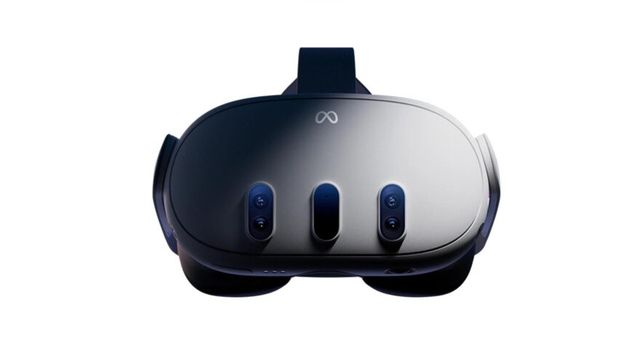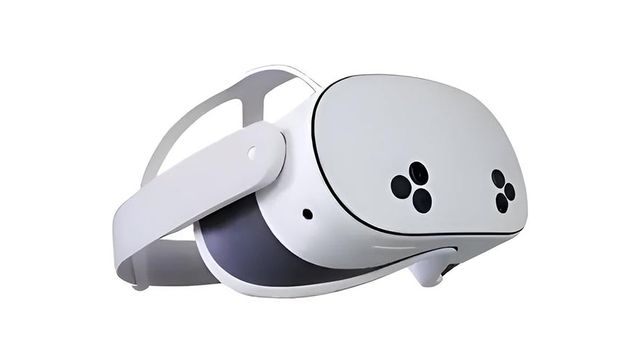
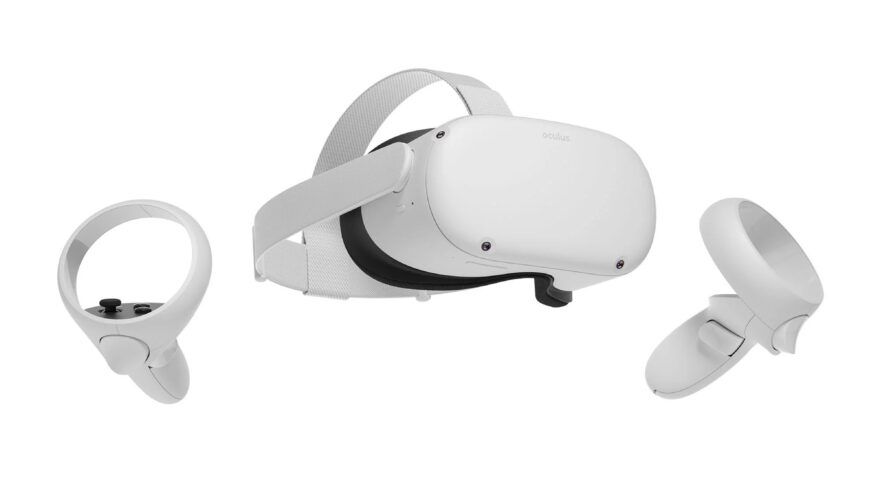
VR Porn Dog rates Meta Quest as the best standalone headset lineup for VR porn. The Quest 3, Quest 3S, and Quest 2 all play VR porn natively without a PC. We tested all three across 20+ VR porn sites with both streaming and downloaded content.
Setup takes under five minutes. Stream through the built-in browser or download files for the sharpest quality. DeoVR and HERESPHERE handle playback. Both are free or low-cost apps available on the Meta Quest Store.
If the goal is shared viewing instead of solo headset playback, read the Quest 3 cast-to-TV guide before mirroring to a Chromecast, smart TV, or PC display.
This guide covers setup, best sites, video quality per model, player apps, privacy, sex toy sync, and VR porn games. See our best VR porn sites ranking for the full list.
Method 1: Meta Quest Porn Streaming (The Easiest Method)
Browser streaming is the fastest way to start watching VR porn on Meta Quest. No app install required. We found that VRPorn.com’s WebXR player loads in under 10 seconds on a stable WiFi connection.
- Start your Meta Quest headset.
- Launch the Meta browser.
- Go to VRPorn.com and subscribe or log in.
- Find a video and click “Play.”
- Accept the WebXR popup when it appears.
- Maximize the window and settle in.
Streaming works best on connections of 50 Mbps or faster. We tested on a 200 Mbps connection and experienced zero buffering at 4K. Lower speeds cause resolution drops and stuttering.
VRPorn.com (Review) is our top pick. It has 45,000+ videos from 380 studios plus 60+ VR porn games included. If you want more options, check our full best VR porn sites ranking.
Method 2: Meta Quest Porn Download for Higher Quality
Download your scenes for the sharpest Meta Quest porn quality. We tested side-by-side and found downloaded files look noticeably sharper than streams, especially in close-up scenes.
- Start your Meta Quest headset.
- Launch the Meta browser.
- Pick a site from our best VR porn sites ranking and find a video.
- Download the file. Choose 6K or 8K for the best quality.
- Download DeoVR from the Meta Quest Store (free).
- Open DeoVR, browse to your downloaded file, and play.
File sizes range from 8 GB to 18 GB per scene. On a 128 GB Quest 3, that fits roughly 8 to 10 full-length scenes after system files. Delete watched videos to free space, or transfer files from a PC via USB-C cable.
Best VR Porn Player Apps for Meta Quest
Of the three playback options on Meta Quest, DeoVR is the best for most users. When we compared DeoVR and HERESPHERE against the Meta browser, both dedicated apps delivered sharper rendering and smoother playback at the same bitrate.
| App | Price | Max Res | Key Feature |
|---|---|---|---|
| DeoVR | Free | 8K | Direct site integration, streaming + downloads |
| HERESPHERE | $29.99 | 8K | Advanced zoom, color controls, scripting |
| Quest Browser | Free | 4K-5K | No install, instant streaming |

DeoVR is the best free option. Install it from the Meta Quest Store, log in to your VR porn site directly inside the app, and start streaming or playing downloaded files. It auto-detects the correct format (180°, SBS, etc.) and supports 8K playback.
HERESPHERE costs $29.99 (checked July 2026) but adds zoom, brightness control, custom aspect ratios, sex toy script playback, and per-scene color grading. Power users who want fine-tuned control prefer it.
Quest Browser works for quick streaming with no install. Quality caps around 4K to 5K. Fine for previewing content. Not ideal for a full session.
If you only install one app, start with DeoVR.
For deeper player notes, compare Quest and PC options in our best VR porn apps guide.
Best VR Porn Sites for Meta Quest
We ranked these VR porn sites for Meta Quest by content quality, headset compatibility, and value. Every site below works on Quest 3, Quest 3S, and Quest 2 via DeoVR or browser streaming.
| Site | Library | Max Res | Highlight |
|---|---|---|---|
| VRPorn.com | 45,000+ scenes | 8K | Largest aggregator with VR games bundle |
| VR Bangers | 600+ exclusive | 8K | Studio-grade 8K with passthrough porn |
| Czech VR | 1,400+ exclusive | 8K | Deepest exclusive library, European cast |
| VR Smash | 20,000+ scenes | 8K | 150+ studios with one subscription |
| RealJamVR | 400+ exclusive | 8K | Top-tier production, sex toy scripts |
| BaDoinkVR | 500+ exclusive | 8K | Longest-running VR porn studio |
1. VRPorn.com

VRPorn.com stands out as the best overall pick. It aggregates 45,000+ scenes from 380 studios with one subscription. We loaded it on Quest 3 via browser and the DeoVR app. Both methods worked without issues.
2. VR Bangers

VR Bangers shoots every scene in 8K at 60fps with studio-grade lighting and color. We tested their passthrough porn mode on Quest 3. The mixed reality overlay worked smoothly in DeoVR. Over 600 exclusive scenes with top-tier performers.
3. Czech VR

Czech VR offers the best value for exclusive content. Over 1,400 scenes with European performers, all in 8K. The per-scene cost on the yearly plan is hard to beat.
For the full breakdown, see our best VR porn sites.
Video Quality on Meta Quest
The display hardware determines how sharp VR porn looks. Pancake lenses on Quest 3 render finer detail than the Fresnel lenses on Quest 2.
| Headset | Display | Lenses | Sweet Spot | Best Resolution |
|---|---|---|---|---|
| Quest 3 | 2064 x 2208/eye | Pancake | Wide | 8K |
| Quest 3S | 1832 x 1920/eye | Pancake | Wide | 7K-8K |
| Quest 2 | 1832 x 1920/eye | Fresnel | Narrow | 5K-6K |

Quest 3 delivers the sharpest image of any standalone headset. We loaded 8K files from VR Bangers and the detail held up at arm’s length. Skin texture, hair strands, and fabric weave all rendered clearly. The wide sweet spot means sharp detail even when looking slightly off-center.
Quest 3S shares the same Snapdragon XR2 Gen 2 processor as Quest 3 but has a slightly lower resolution display. We noticed minimal difference in practice. At $350, it is the best budget entry point for VR porn.
Quest 2 still works but shows its age. Fresnel lenses create a narrow sweet spot with visible edge blur. 5K or 6K downloads look best. 8K files play fine but the display cannot resolve the extra detail.
We recommend downloading over streaming on all models. Streaming compresses the video and softens fine detail that downloading preserves.
Tips for the Best Meta Quest Porn Experience
Each of these tips makes a noticeable difference when you watch VR porn on Meta Quest.
- Connect to 5GHz WiFi. The 2.4GHz band causes buffering at high resolutions. Use 5GHz for smooth streaming. Sit within 10 meters of your router.
- Pick the right download resolution. Quest 3 displays 2064 x 2208 per eye. We found 6K to be the sweet spot for most scenes. 8K files look slightly better but eat storage fast.
- Get a comfort strap. The stock strap works for 20 minutes. A third-party elite strap or battery strap makes a real difference for longer sessions.
- Keep your lenses clean. Fingerprints and dust are visible immediately in VR. Use a dry microfiber cloth before every session.
- Charge while you play. A 3-meter USB-C cable lets you stay plugged in during extended sessions. No more running out mid-scene.
- Adjust your IPD. Quest 3 has a continuous IPD adjustment wheel. Set it to match your interpupillary distance for the sharpest image and least eye strain.
Privacy on Meta Quest
Meta Quest keeps your VR porn activity private by default. No one can see what you watch unless they physically put on your headset. Two extra steps lock things down further.
Hide App Activity
- Open Settings on your Meta Quest.
- Go to Privacy.
- Select Hide App Activity.
- Toggle off any apps you want hidden (DeoVR, HERESPHERE, Browser).
This prevents your activity from appearing in your Meta profile or friend feeds.
Use Incognito Mode
- Open the Browser app.
- Tap the three-dot menu icon.
- Select New Private Tab.

Incognito mode prevents the browser from saving history, cookies, or site data. We recommend using it for every browser-based VR porn session.
Downloaded files stay on your headset’s internal storage. They do not sync to the cloud or appear in any Meta account history. Delete them manually when done.
Sex Toy Compatibility
Interactive VR porn works on Meta Quest with multiple devices. The Kiiroo KEON and The Handy both sync to on-screen action through sex toy scripts.
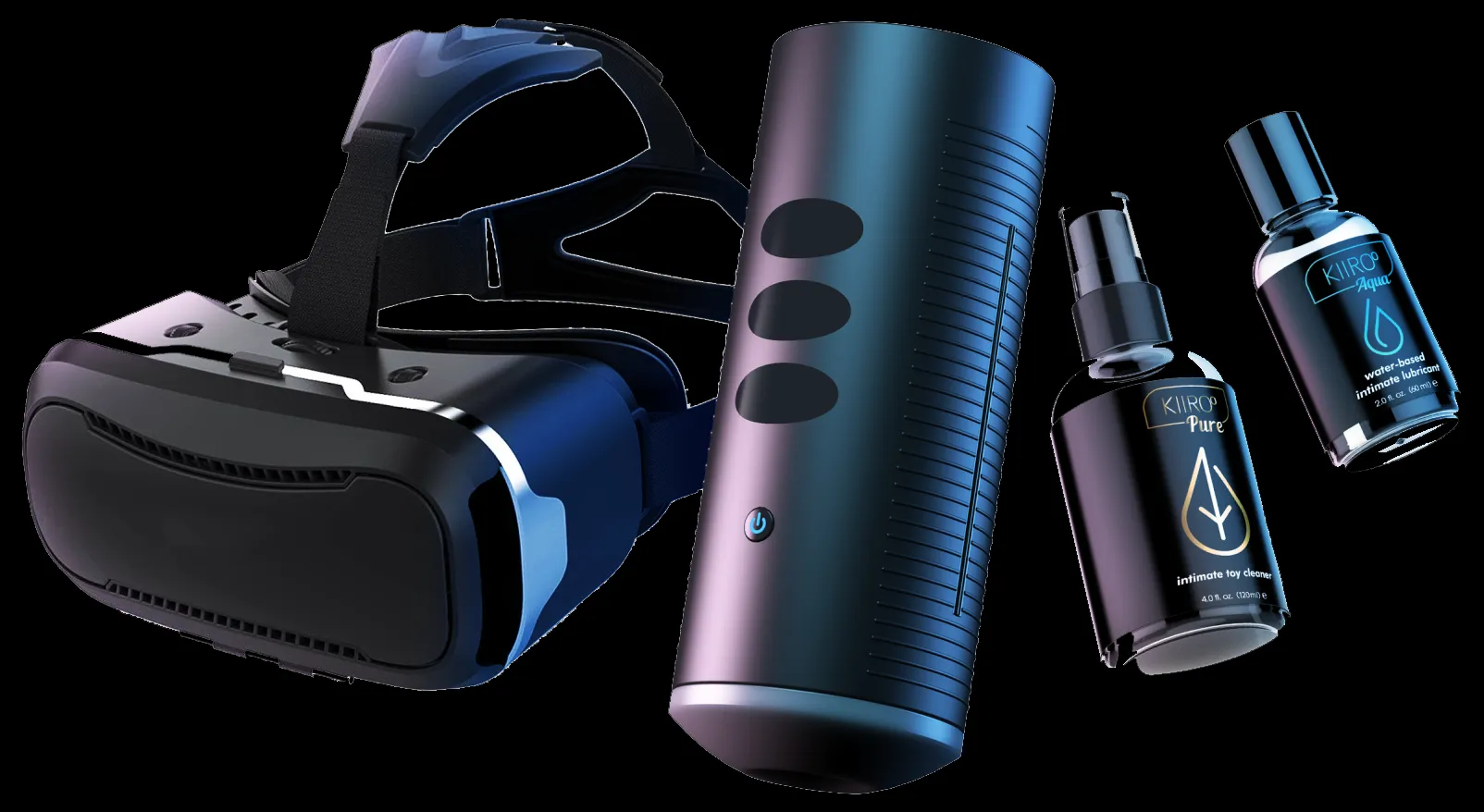
Connect the toy via Bluetooth or Wi-Fi. Open the scripted scene in DeoVR or HERESPHERE. The player sends timing data to the device. Stroking speed and direction match the performer’s movements.
We tested the KEON with scenes from Czech VR and VR Bangers. Sync timing was tight with minimal delay. The physical feedback adds a layer that standard video cannot replicate.
Also check out the Kiiroo PowerBlow and Kiiroo Pulse Solo for alternative devices. See our sex toy reviews for the full compatibility list.
VR Porn Games for Meta Quest
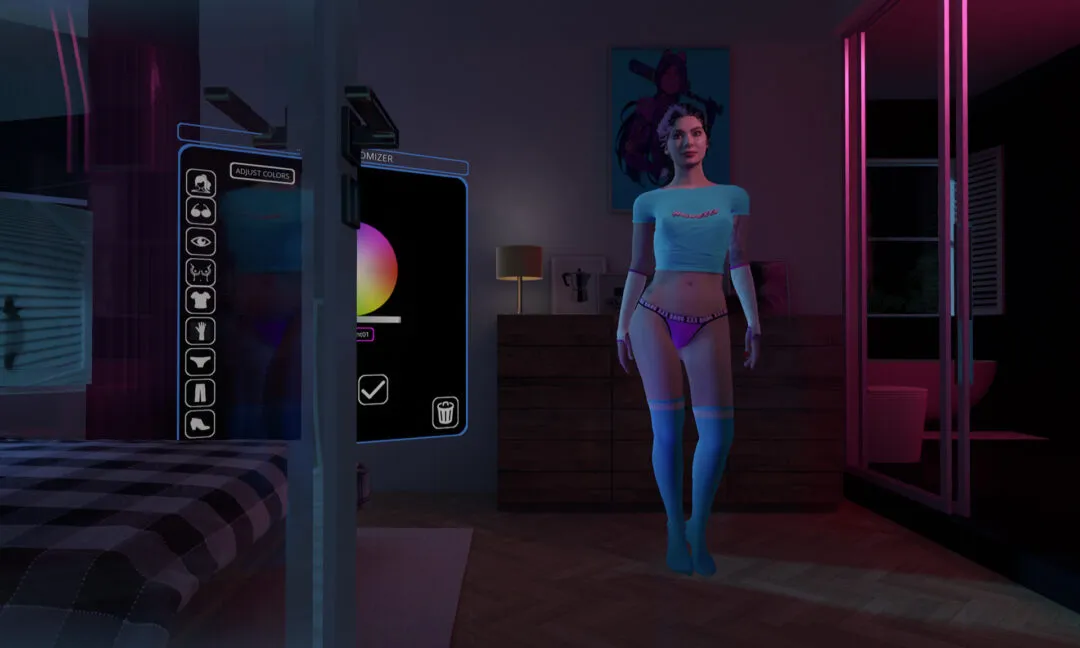
Several VR porn games run well on Meta Quest. These interactive experiences let you control the action instead of watching a recorded scene.
| Game | Type | Quest Support |
|---|---|---|
| Dezyred | Interactive story | Yes (via VR Smash) |
| Virt-A-Mate | Sandbox simulation | PC only (Link or Air Link) |
| VR Ero-Beat | Rhythm game | Yes |
| Holodexxx | Character interaction | PC only (Link or Air Link) |
Browser games like VR Ero-Beat play straight in the Quest browser. PC games like Virt-A-Mate and Holodexxx need a VR-ready PC connected with a Link cable or Air Link. VRPorn.com bundles several games with a subscription at no extra cost.
For Quest 3 users specifically, see our Best Meta Quest 3 Porn Games guide with 11 titles ranked and tested, including free standalone picks. Or browse our best VR porn games for the full cross-headset ranking.
Which Meta Quest Is Best for VR Porn?

Meta Quest 3 is our pick for the best Quest headset for VR porn. The pancake lenses, higher resolution display, and wider field of view produce the sharpest image of any standalone headset under $600. Mixed reality passthrough also enables passthrough porn for AR-style experiences.
Quest 3S is the best budget pick at $350. Same processor, slightly lower display resolution. The visual difference in practice is small. We recommend the 3S for first-time VR porn viewers who want a low-cost entry point.
Quest 2 still works and sells cheaply on the secondhand market. Fresnel lenses and lower display resolution show their age with 8K content. If you already own one, it handles VR porn fine. If buying new, get the 3S instead. The used Quest 2 vs new Quest 3S comparison covers that choice in full.
Quest Pro has eye tracking and a sharper display but costs significantly more. The price premium does not justify the visual gain for VR porn specifically.
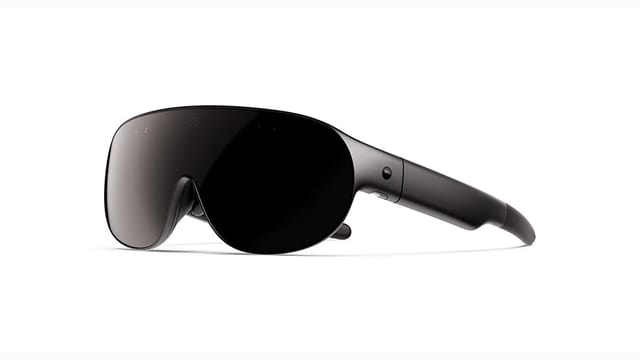
For headsets outside the Meta ecosystem, see the full VR porn headset guides.
Common Issues and Fixes
These are the most frequent Meta Quest VR porn problems. Most have simple fixes.
Video looks blurry. You are streaming instead of downloading, or playing a low-resolution file. Download the 8K version and play it in DeoVR.
Video stutters or drops frames. Close all other apps before playback. 8K files require full processing power. Restart the Quest if stuttering persists.
DeoVR shows a black screen. The file may be corrupted or in an unsupported format. Re-download and verify it uses the 180° SBS format.
Not enough storage. Delete watched videos from the Files app. Transfer files to a PC via USB-C if you want to keep them.
Browser shows a flat or warped image. The browser cannot properly format all VR video types. Switch to DeoVR for correct 180° stereoscopic playback.
Headset overheats during long sessions. Take a 10-minute break every 30 to 45 minutes. Playing 8K content generates more heat than standard use.
Conclusion
We recommend Meta Quest as the top standalone headset line for VR porn. Setup takes five minutes. DeoVR handles playback. Every major VR porn site supports the platform.
Quest 3 delivers the sharpest experience. Quest 3S offers 90% of the quality at a lower price. Quest 2 still works for viewers on a budget.
Download videos for the best quality. Use DeoVR as your player. Enable incognito mode and hide app activity for full privacy. Add a Kiiroo KEON or The Handy for interactive sync.
For the full site ranking, see VR Porn Dog’s best VR porn sites.